
Serving Vue.js or React
Since @sap/cds-dk 9.9.0CAP is easily integrated with Vue.js or React. This guide explains how to set up a minimal project with a UI.
What about other UI frameworks?
Other popular UI libraries like Svelte could follow the same pattern but don't have cds add support for now.
Example project
The example here is built on a minimal CAP project:
cds init bookshop --add nodejs,tiny-sample && code bookshopNow simply create a Vue.js or React app in app/catalog:
cds add vue --into catalogcds add react --into catalogNow simply start the dev server:
cds watchOpen http://localhost:4004 to see your running applications.
Next Up
You can deploy this project to Cloud Foundry or Kyma using the SAP BTP Application Frontend service or a custom App Router setup.
Simply add Application Frontend like so:
cds add app-frontendWhen deploying your first Application Frontend service in that subaccount also make sure to subscribe to "Application Frontend Service" with plan "build-default".
Also make sure to choose an authentication mode:
cds add iasor...
cds add xsuaaFor the deployment, we add HANA as the production database:
cds add hanaAfterwards, deploy your project:
cds upLearn more about Cloud Foundry deploymentLearn more about Kyma deployment
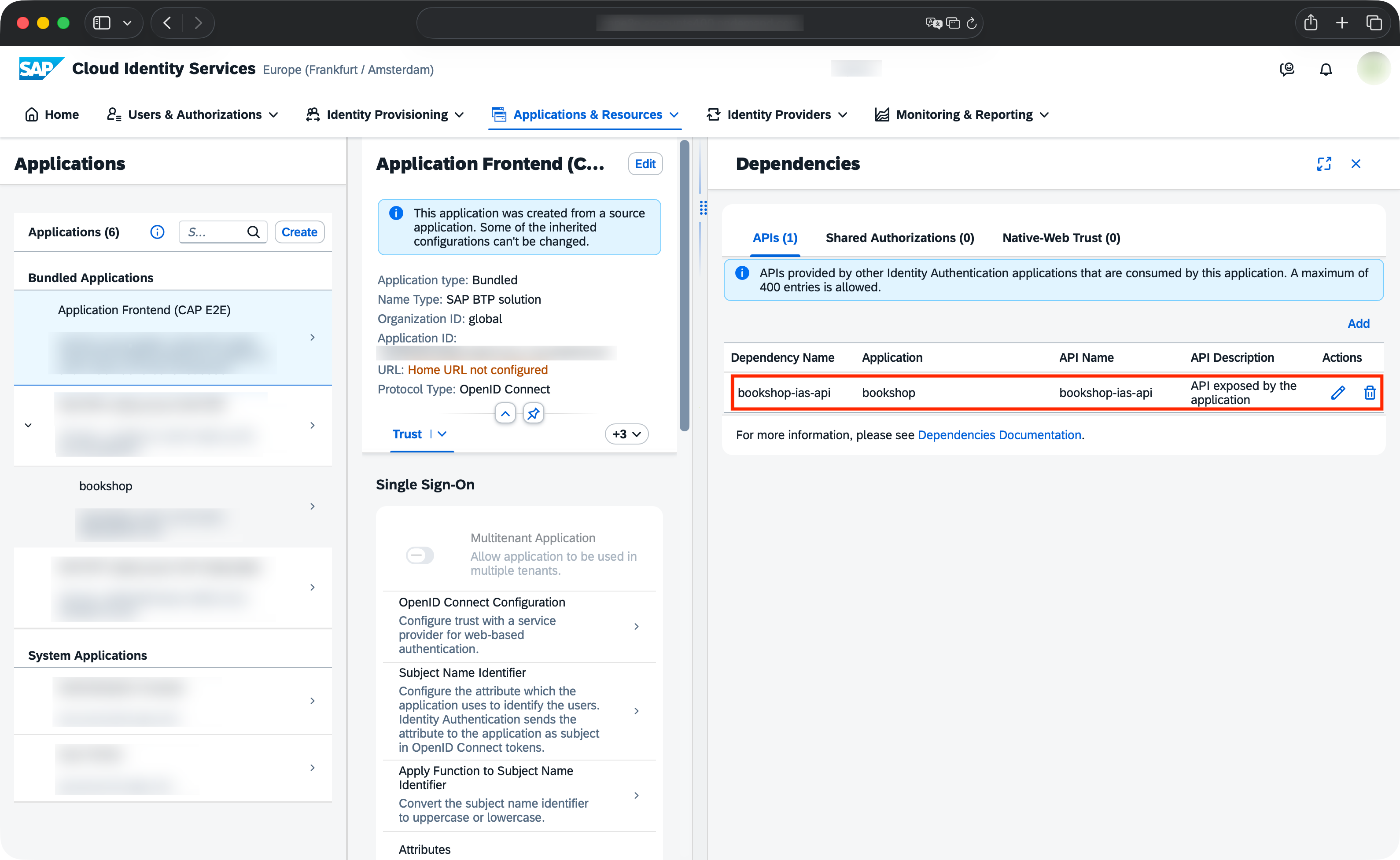
When using IAS, set up the Application Frontend dependency.
Add the API exposed by your bookshop application to the Application Frontend Service in your IAS admin console:
You can use the @sap/appfront-cli package to see the links of your deployed application:
acftl list